Birthday
See all Birthday CarouselMade by hand
 生日扭蛋机Made by hand
 像素小镇Made by hand
 Birthday Pop-up BookMade by hand
 Birthday BloomMade by hand
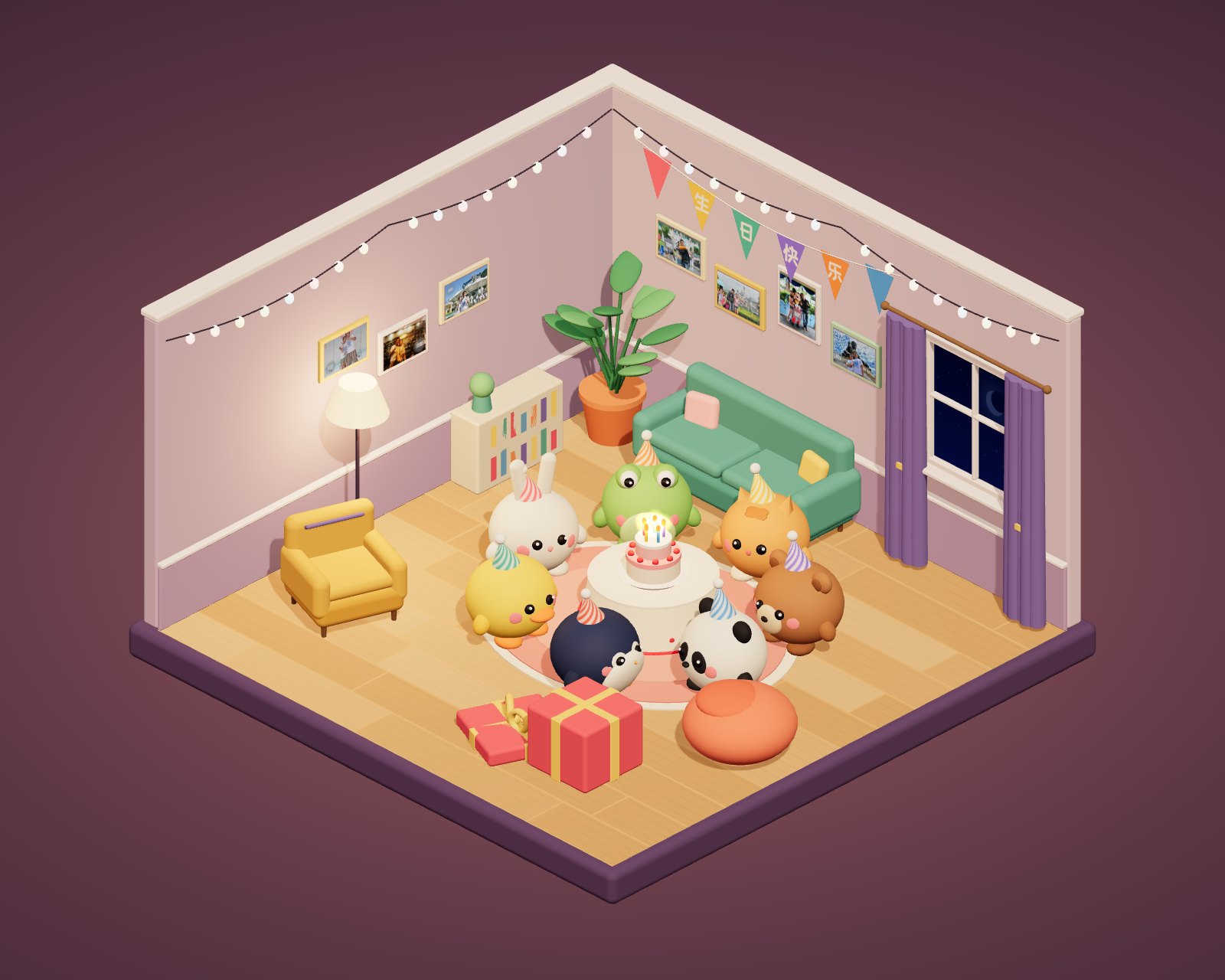 生日惊喜派对Made by hand
 生日大富翁Made by hand
 生日水晶球Made by hand
 生日星图Made by hand
 生日烟花大会Made by hand
 生日小农场Made by hand
 Birthday JellyfishMade by hand
 Birthday NeonMade by hand
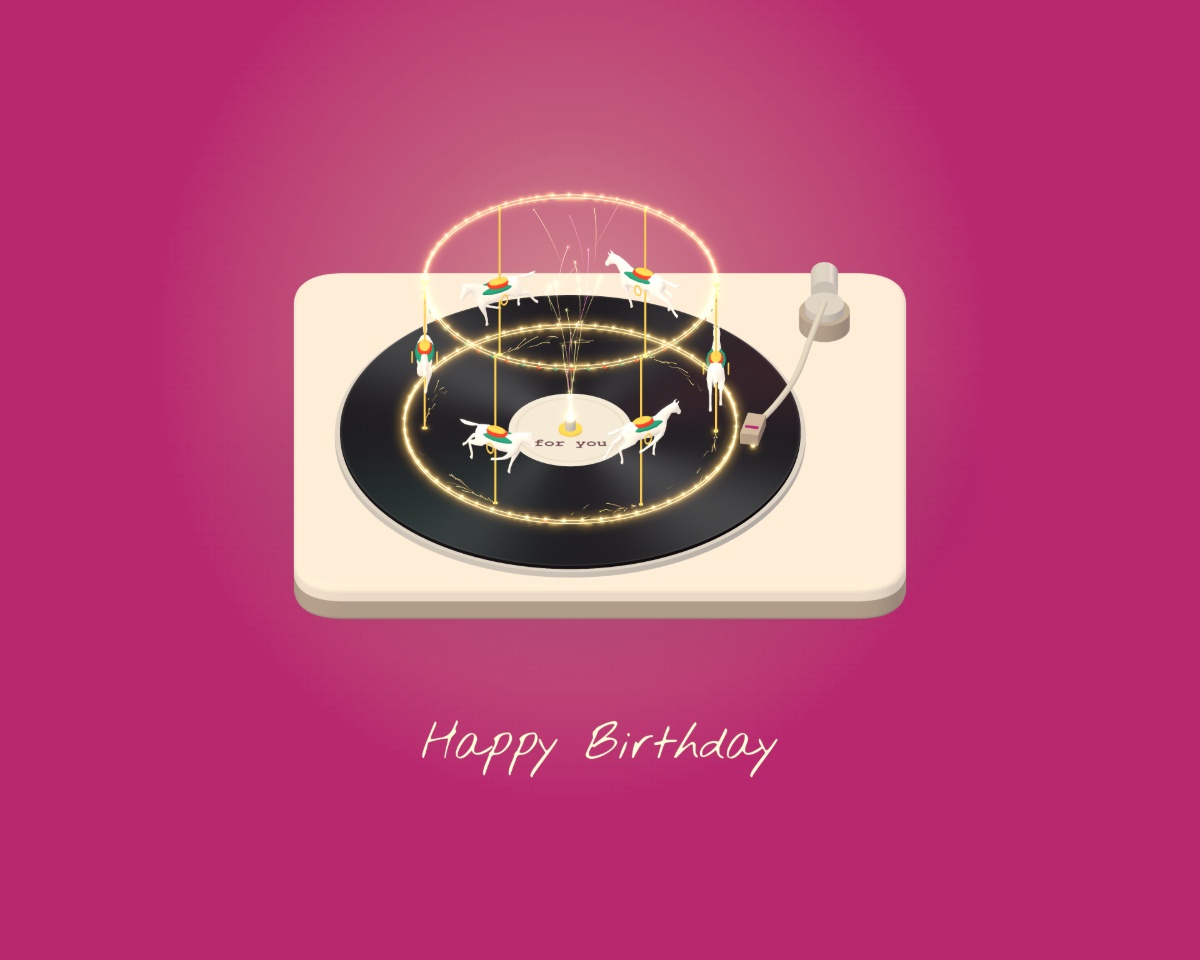 Golden ReverieMade by hand
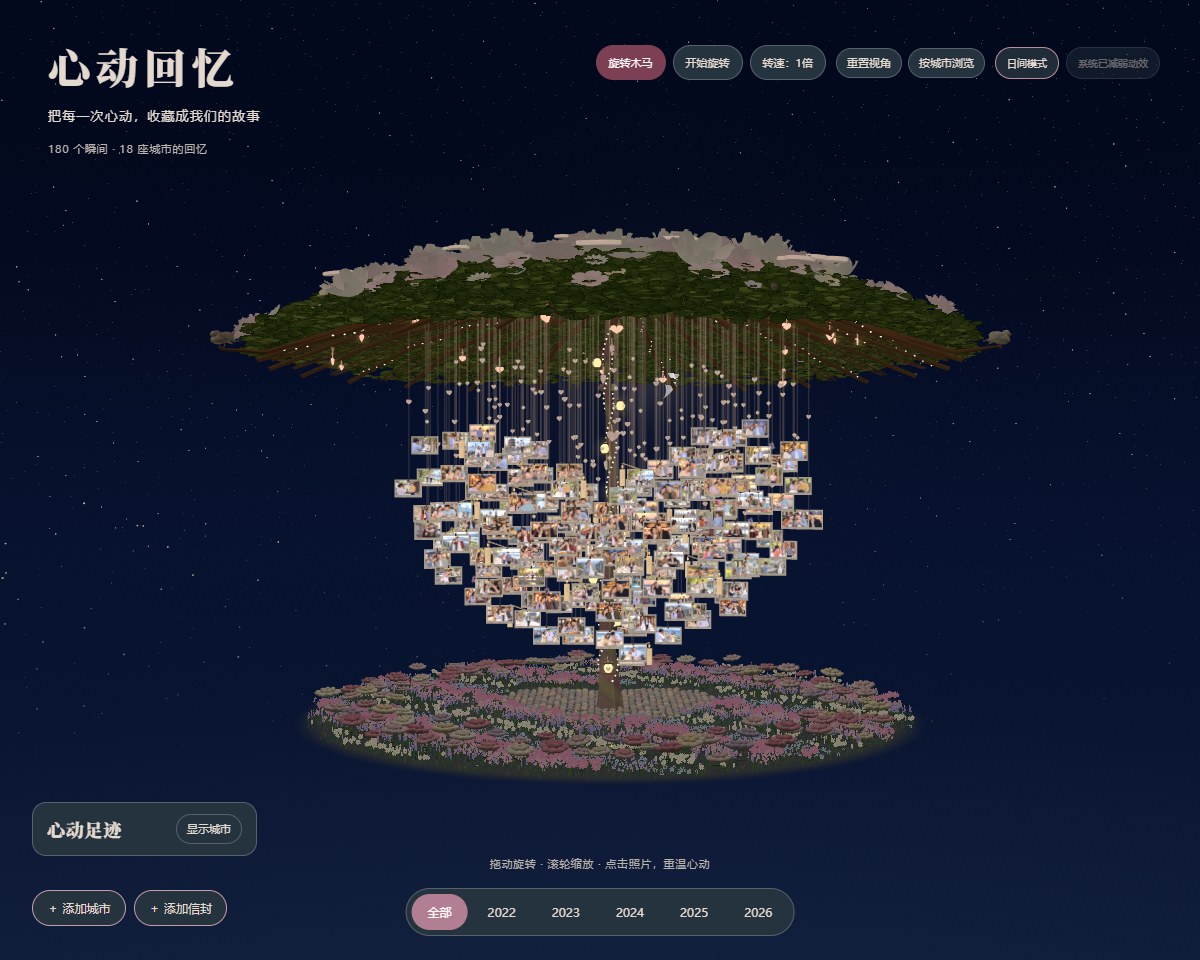 love-treeMade by hand
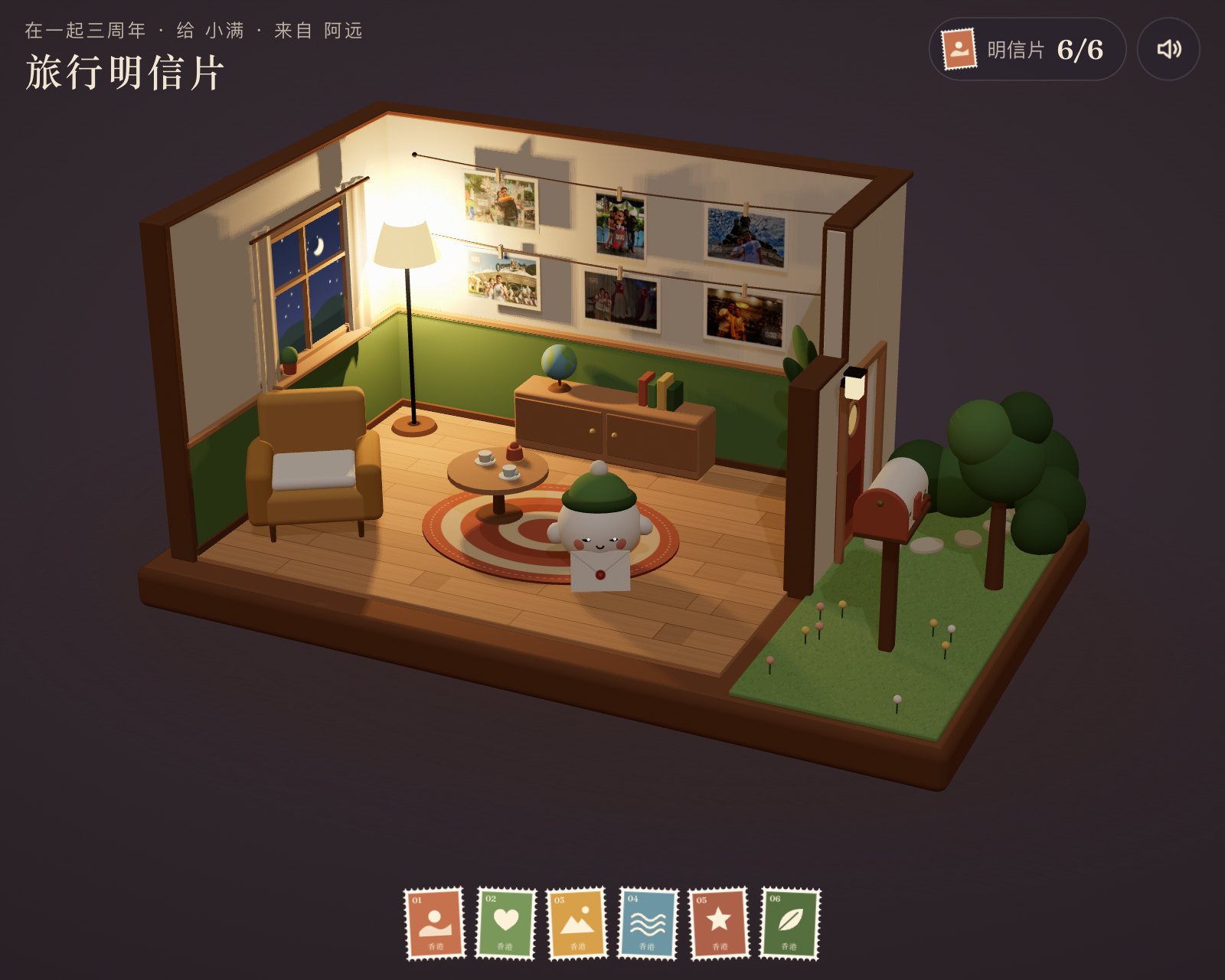 纪念日旅行明信片Made by hand
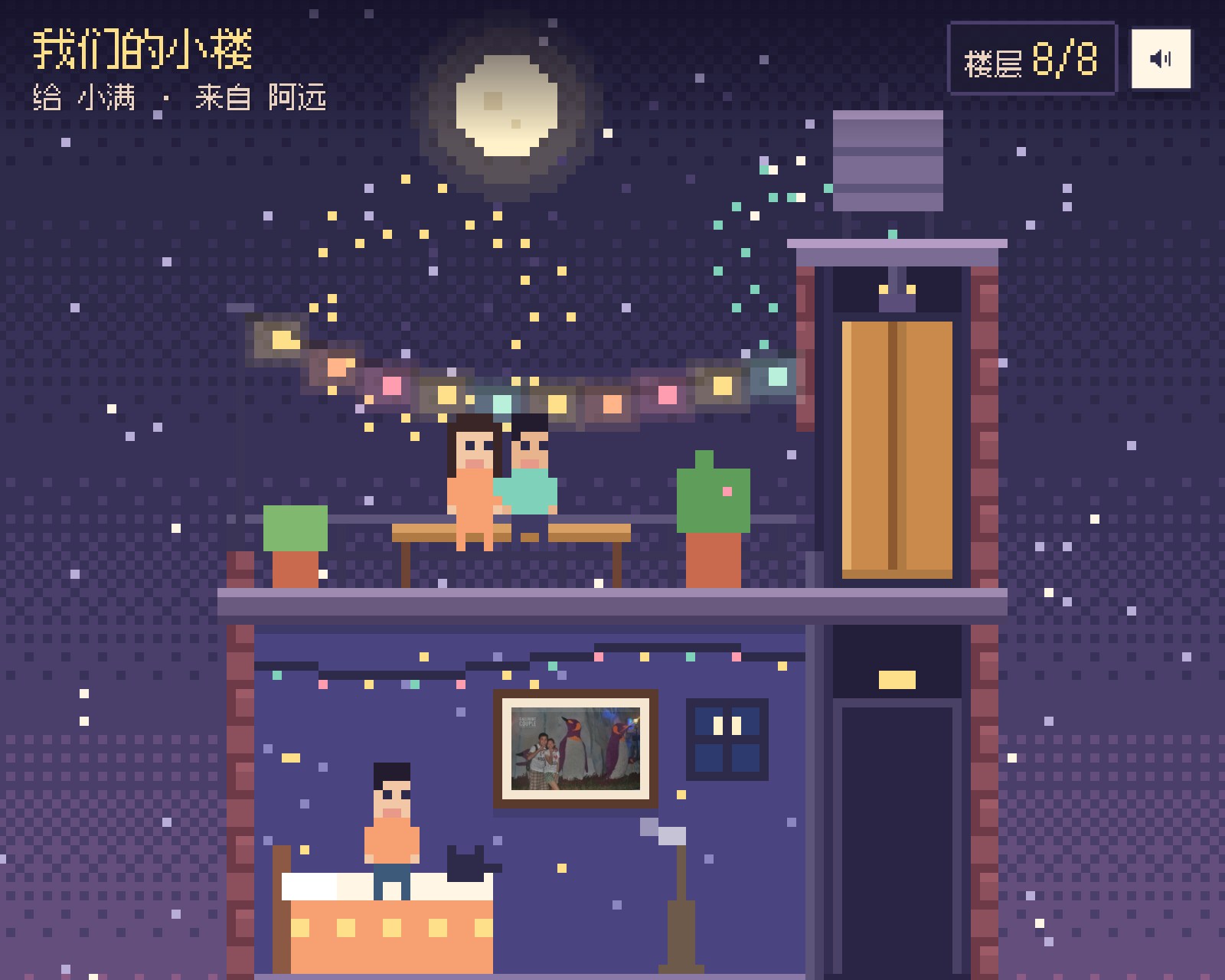 我们的小楼Made by hand
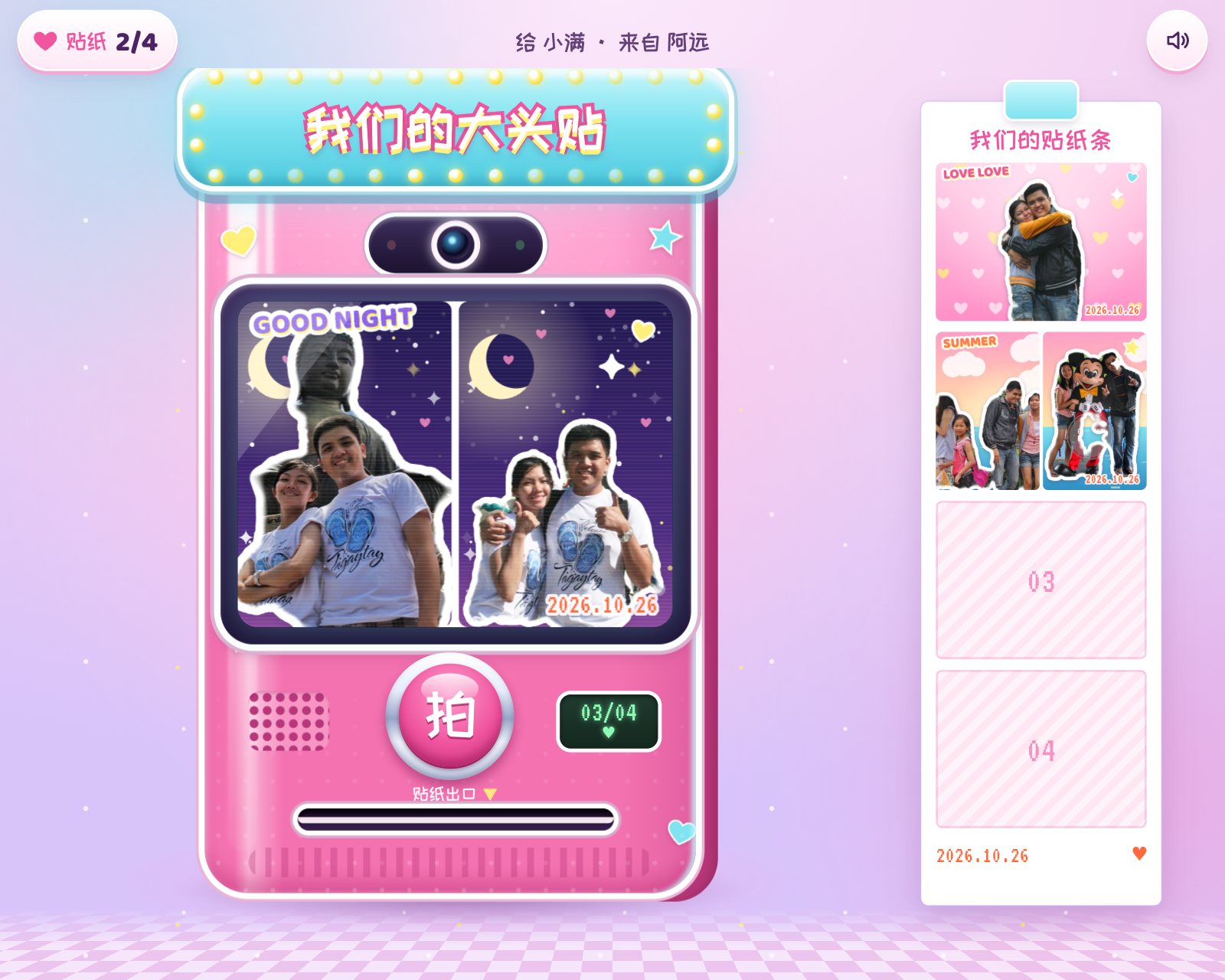 我们的大头贴Made by hand
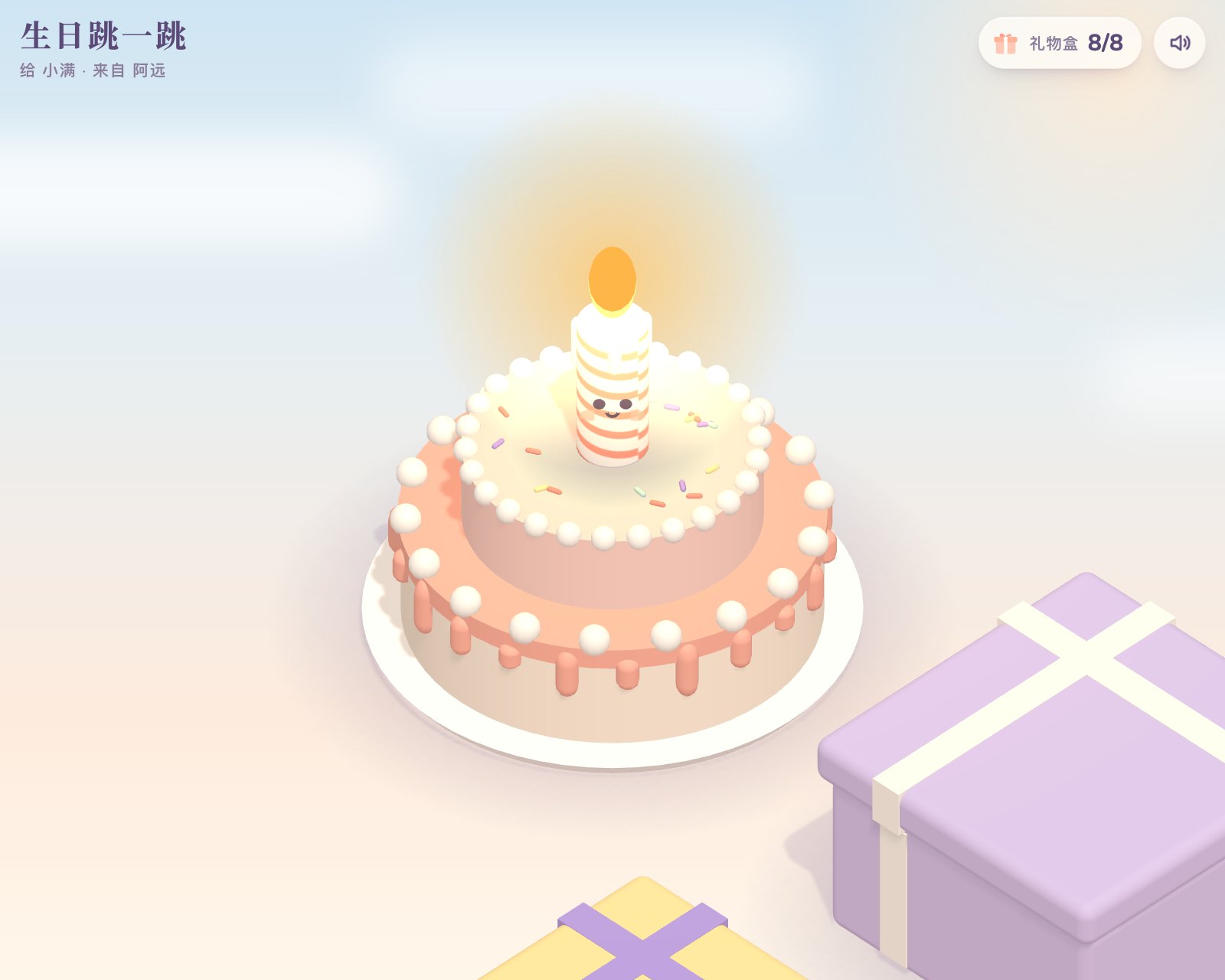 生日跳一跳Made by hand
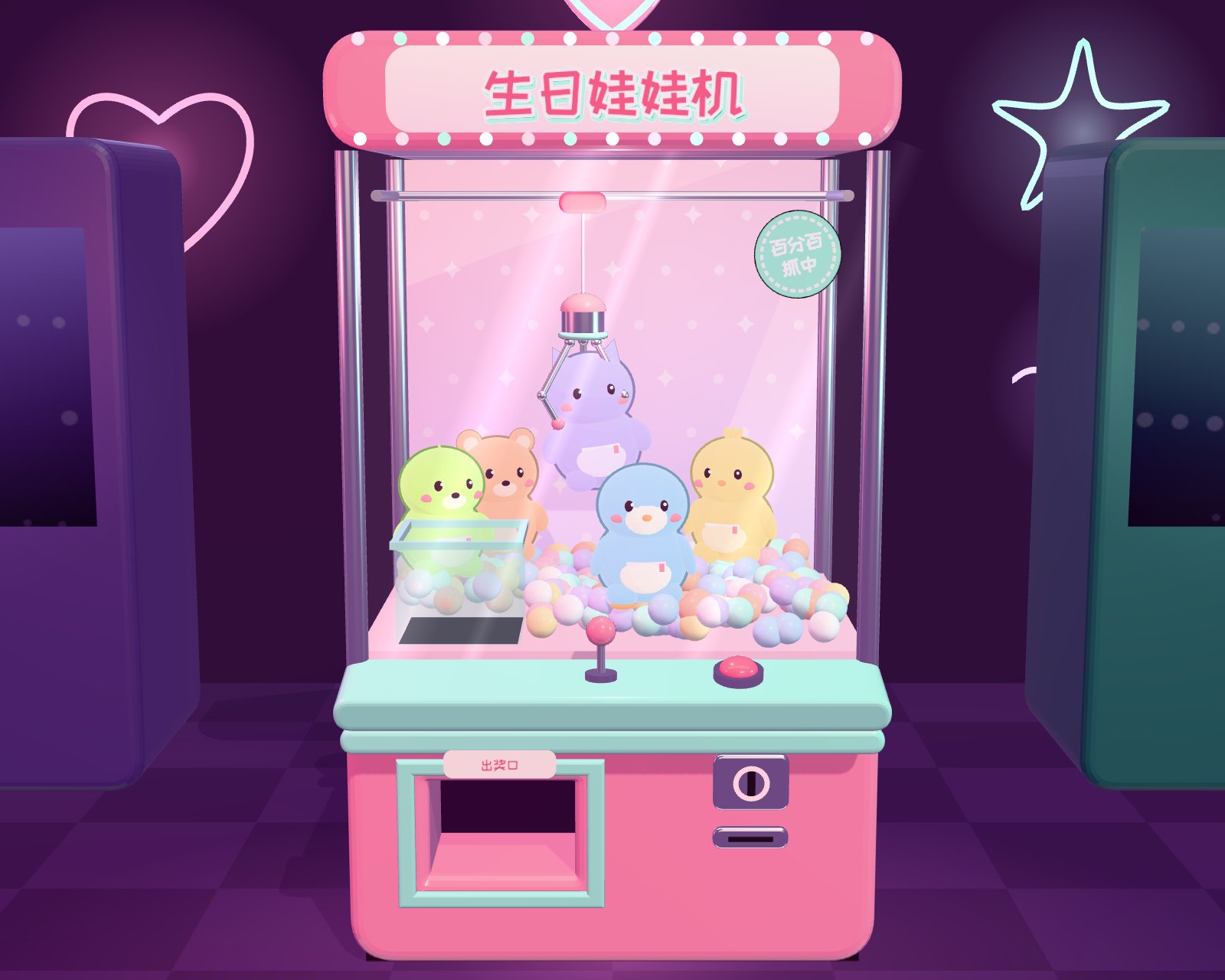 生日娃娃机Made by hand
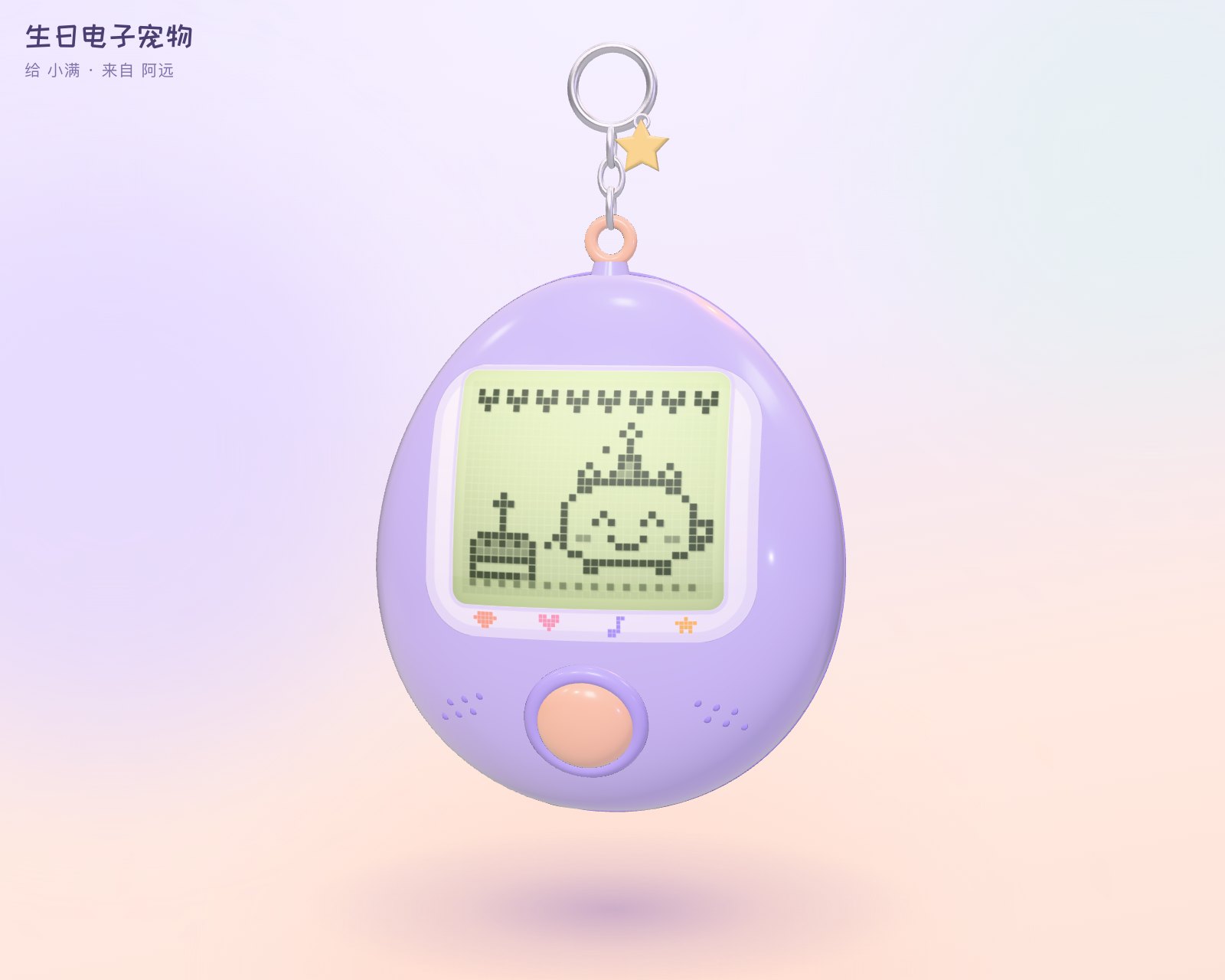 生日电子宠物Made by hand
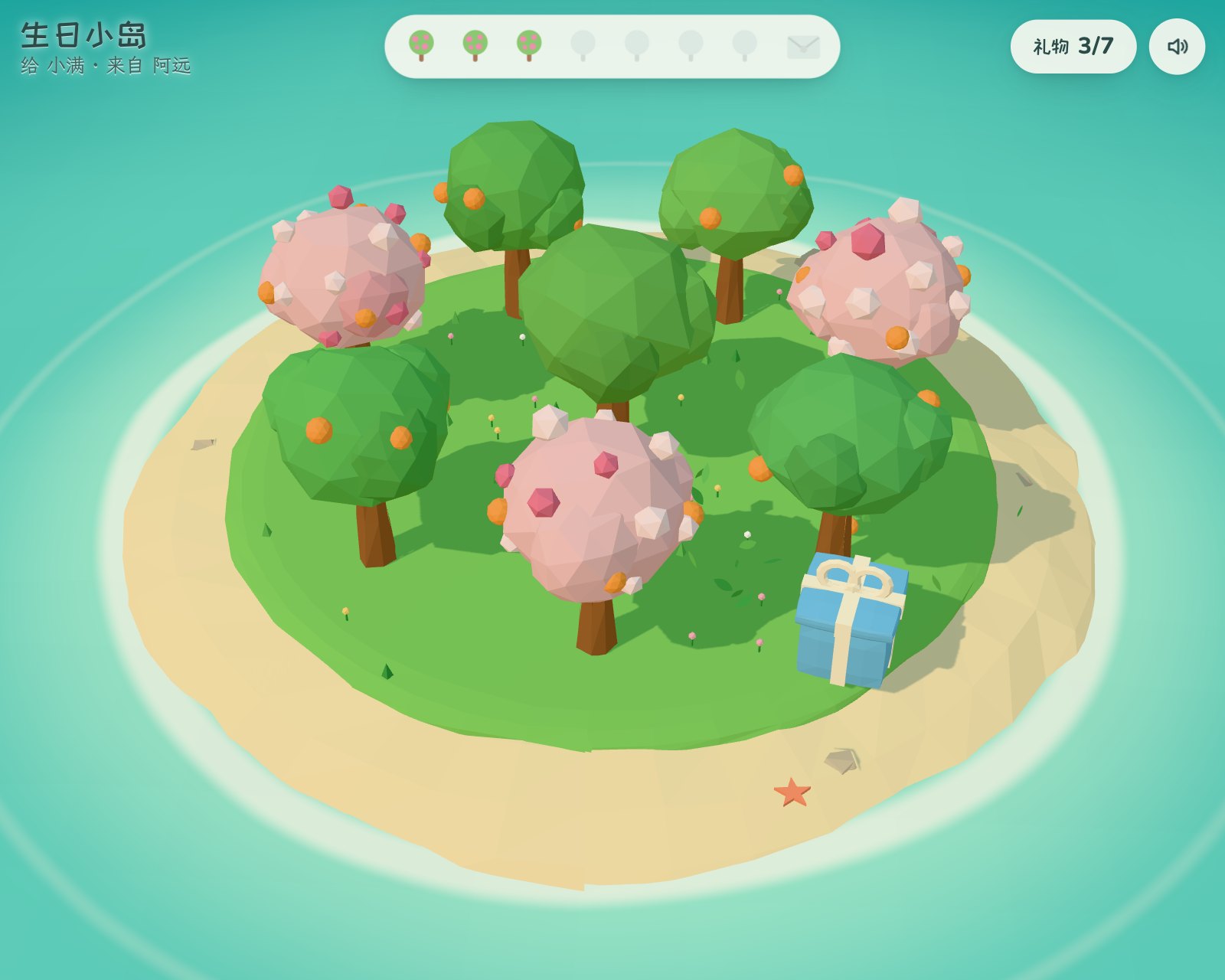 生日小岛Made by hand
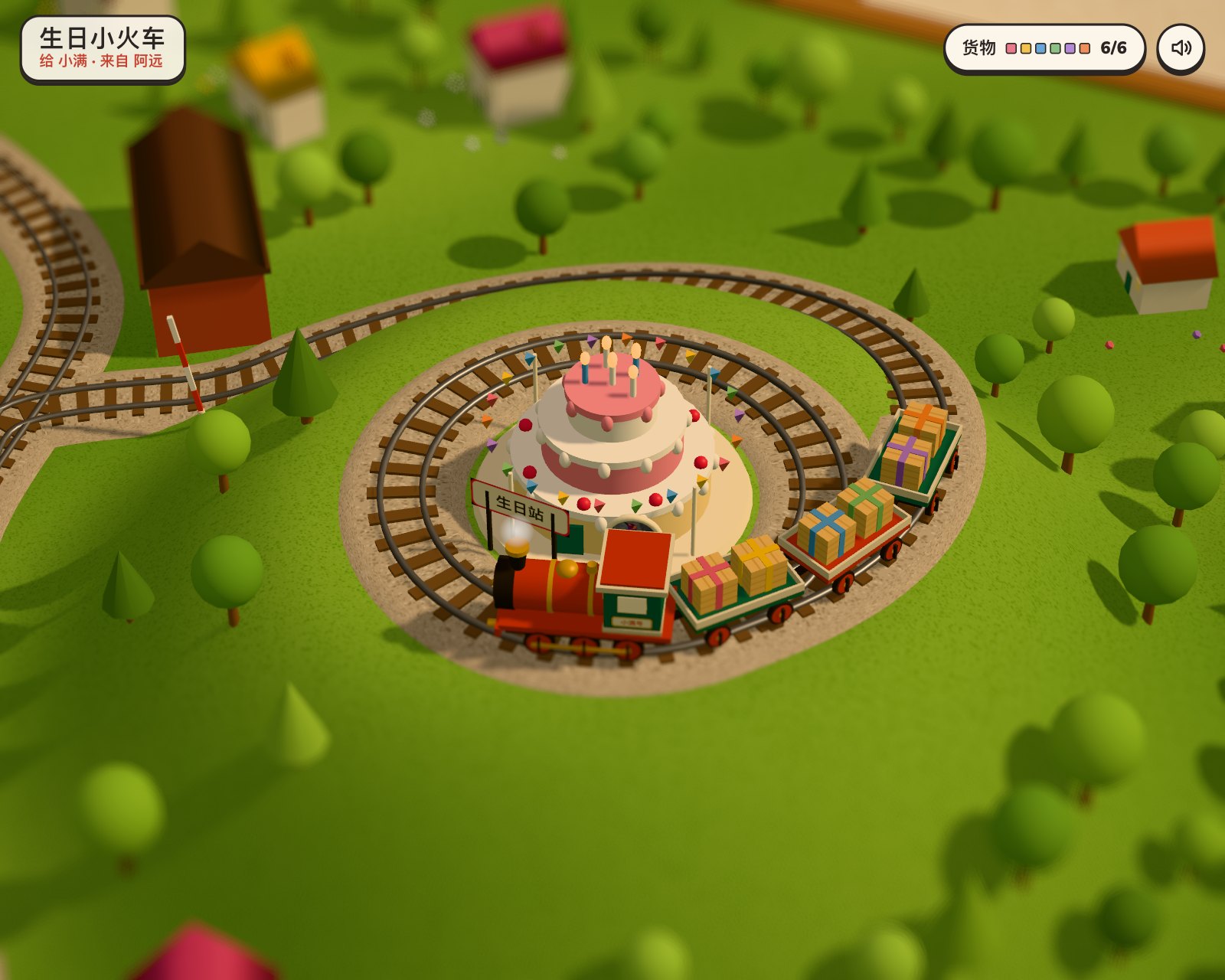 生日小火车Made by hand
 生日小屋Made by hand
 时光考古队Made by hand
 生日护照Made by hand
Love
See all Our MemoriesMade by hand像素小镇Made by handBirthday Pop-up BookMade by handBirthday BloomMade by hand生日惊喜派对Made by hand生日水晶球Made by hand生日烟花大会Made by handBirthday JellyfishMade by handBirthday NeonMade by handGolden ReverieMade by handlove-treeMade by hand纪念日旅行明信片Made by hand我们的小楼Made by hand我们的大头贴Made by hand生日跳一跳Made by hand生日娃娃机Made by hand生日电子宠物Made by hand生日小岛Made by hand生日小火车Made by hand生日小屋Made by hand
 Things in the AirMade by hand
 Sundown GalleryMade by hand
 Bedsheet CinemaMade by hand
 Hanging LensesMade by hand
 Paper CloudMade by hand
 Image AtlasMade by hand
 UndertowMade by hand
 Slide CurtainMade by hand
 Umbrella CanopyMade by hand
Travel
See all Souvenir ShopMade by hand
 Gathered ScenesMade by hand
 Chongqing · Between LevelsMade by hand
 Chongqing · A City in LayersMade by hand
 A Little ElsewhereMade by handThings in the AirMade by handSundown GalleryMade by hand
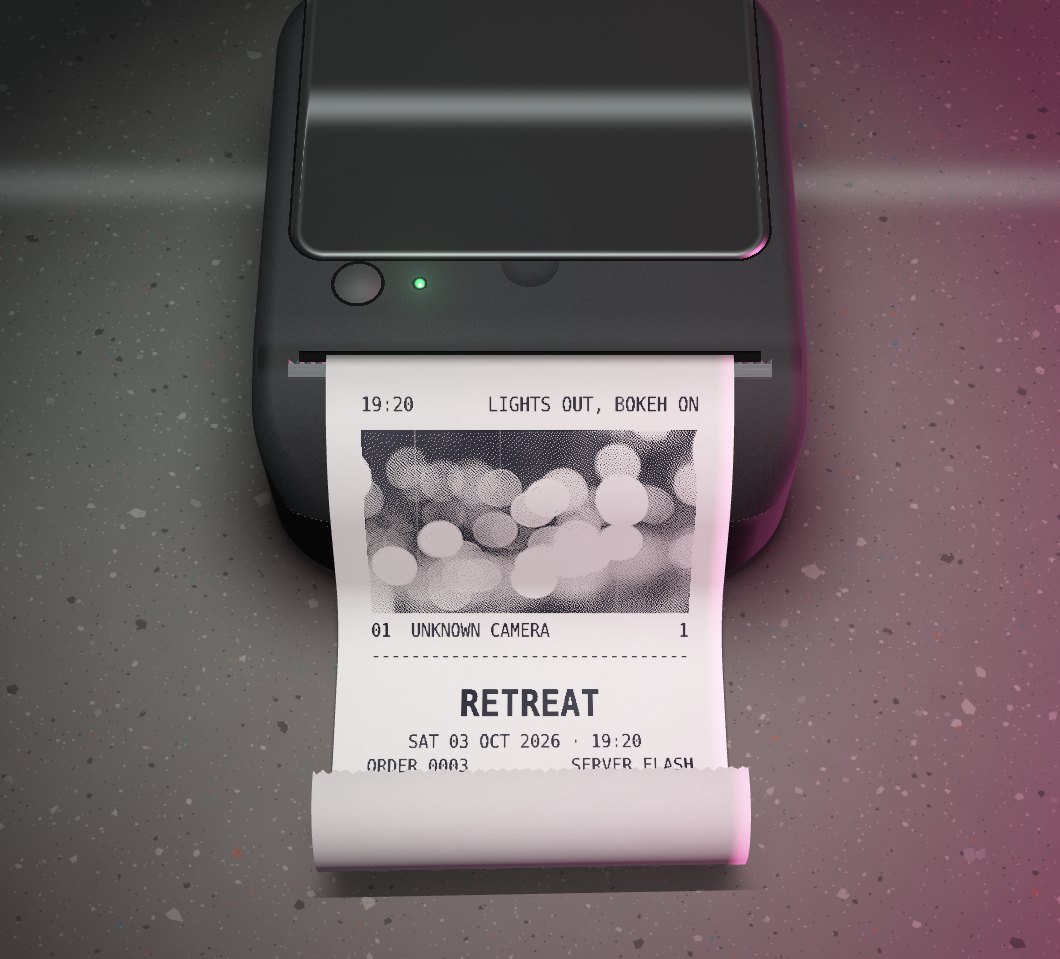 Receipt RollMade by hand
 After WeatherMade by hand
 After BlueMade by handImage AtlasMade by hand
How it works
- 1
Find your inspiration
Explore the scenes and try a preview. Choose one for your photos, memories, or a celebration.
- 2
Make it yours
Add your photos to personalize a scene instantly, or send a brief for our team to make your version.
- 3
Keep it or share it
Your scene starts with a private link. Keep it for yourself, share it with friends, or send it as a gift with a note.
Questions
Who can see my photos?
Your scene starts private: anyone with its link can open it, but it isn’t listed publicly. You can choose to share it to Explore later from your profile.
Does it work on a phone?
Yes. It opens in the browser on any phone or computer, with nothing to install and no account needed.
How long does the link last?
Until you delete the scene. You can delete it from your profile at any time, and its photos go with it.
Can I send it as a gift?
Yes. Choose “Send it as a gift” when making your scene to add your name and a note. They’ll read your note before opening it. The note can’t be changed after the scene is made.
How much does it cost?
Each scene has one price, shown on its page. You get a free one for each friend who joins from your invite link, up to three.